
Why Horus
A Sphinx-Needs project quickly grows to a few hundred requirements, specifications and tests. As a table or graph, that soon gets hard to read: you see single rows and arrows, but no feel for how big an area is, where things cluster and where the gaps are.
With Horus I wanted to try whether a spatial view helps. The idea: data as a city you move through like a place you know – inspired by the neon world of the TRON movies.
Every need a floor
Every tower is a group of needs, every floor a single need with its ID and title. The color shows the status. You decide how the city is built: cities, districts and towers can be grouped by type, tag, folder or status. In the Sphinx-Needs demo, for example, the folders become three cities and the types their districts.
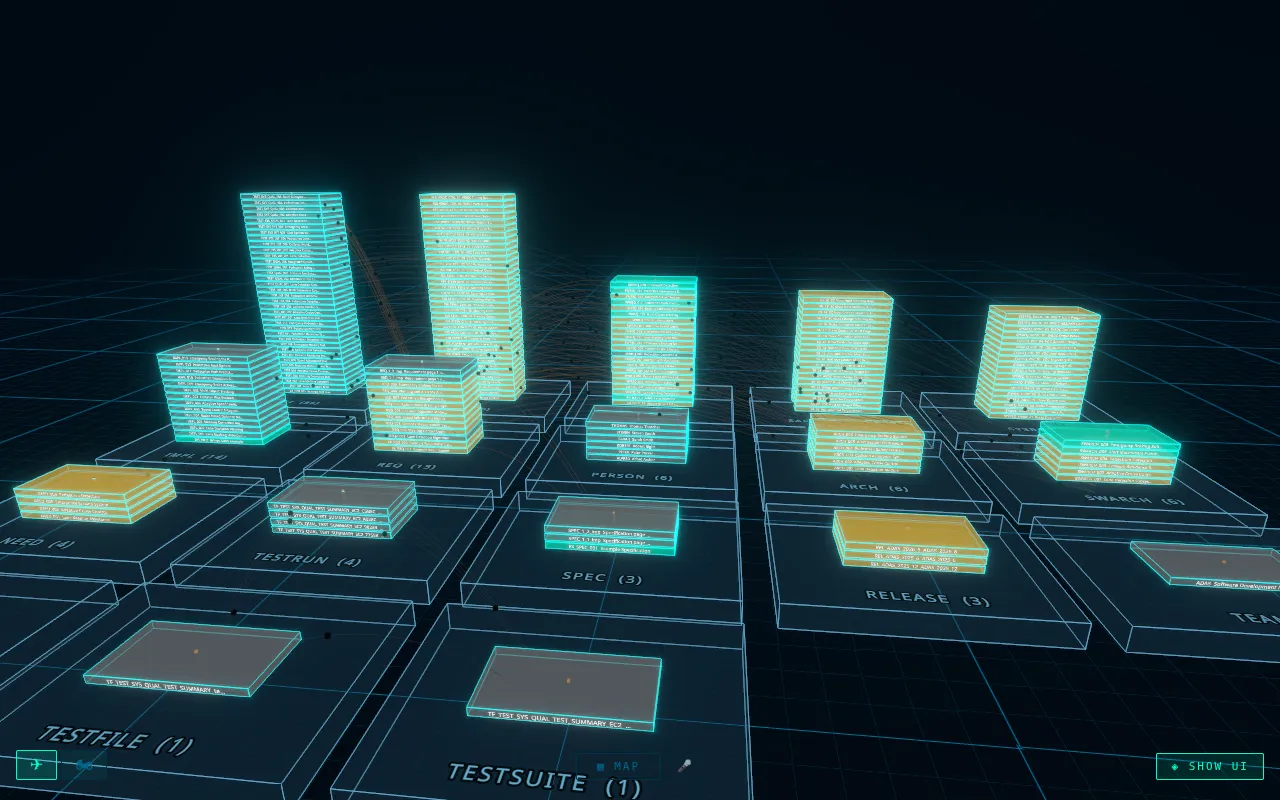
You fly through the city with keyboard and mouse, or jump straight to a city, a district or a need from the navigator. Links between needs run as glowing arcs from tower to tower.
One click, and you’re at the need
A click on a floor opens the need with its content, metadata and all its links. Click a link and the camera flies there. A double click shows the full content with tables and lists.
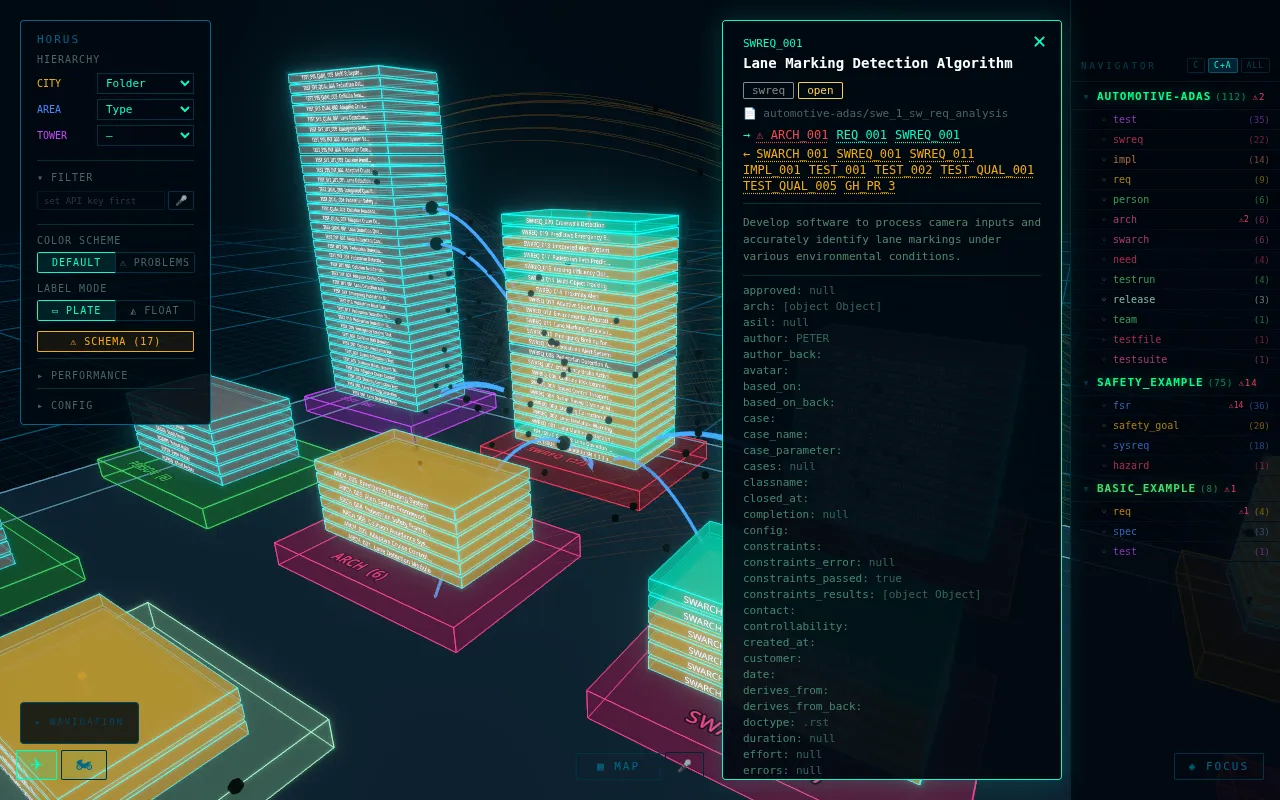
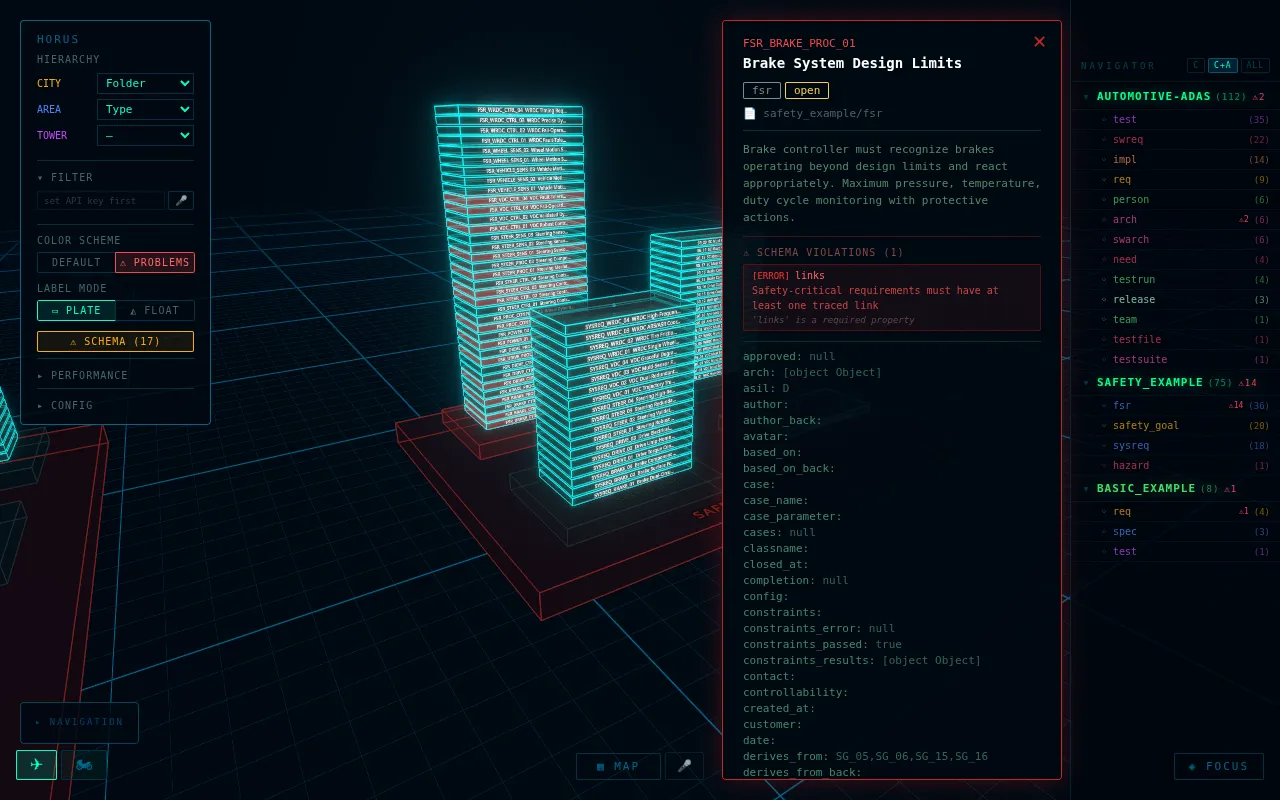
Errors show from far away
When Sphinx-Needs checks your needs against a schema, Horus shows the violations right in the city. Affected floors and districts glow red, the navigator counts them, and the need tells you which rule it breaks.
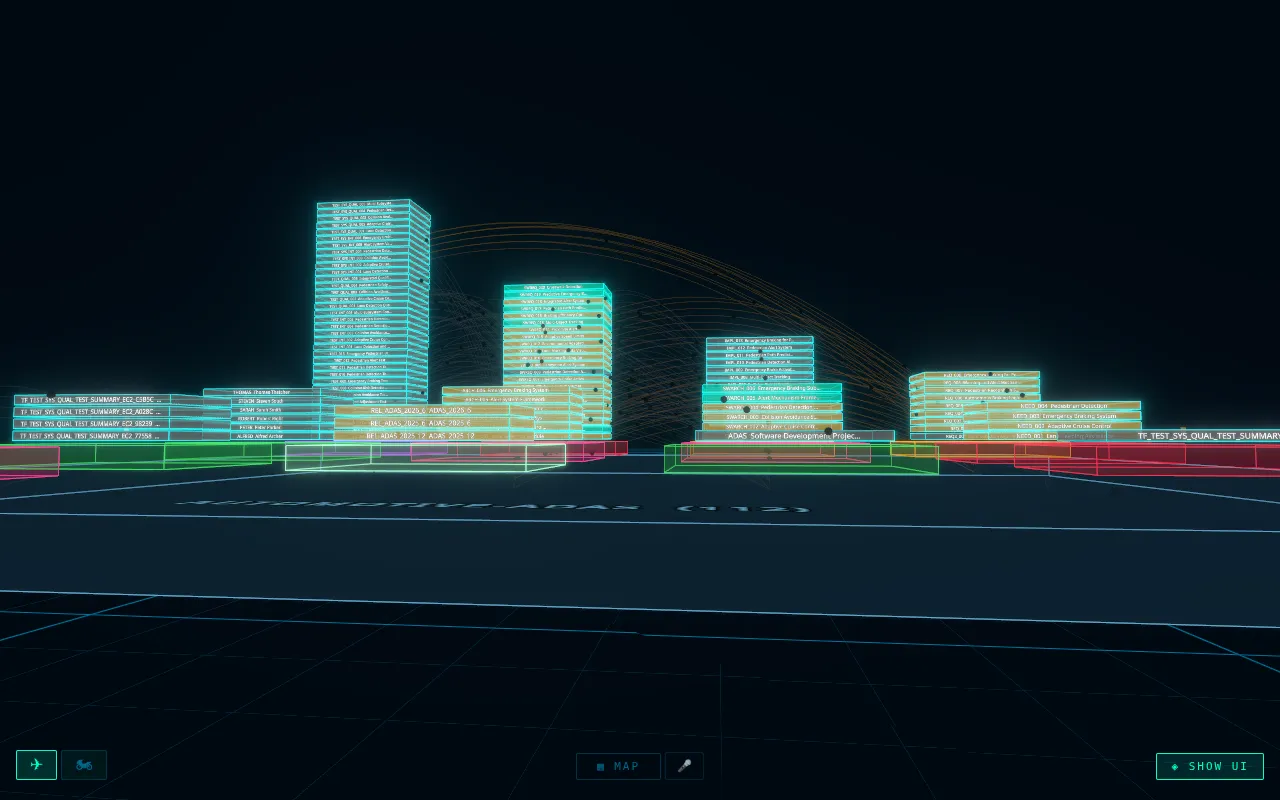
At street level and from above
From the street you see how the towers stand to each other. From high above, the city turns into a flat map where every area is as large as its group.
Status
Horus is a prototype from spring 2026 and runs in the browser. It reads any
needs.json the Sphinx-Needs needs builder creates – besides the demo also
the roughly 1,400 needs of Eclipse S-CORE. I did not develop it further: I
lacked the time to try it out with users and customers and shape it to
their needs. The code is not public.